
Floor Plans for Rightmove Listings
What makes a good floor plan for Rightmove and Zoopla, how to add one to a listing, and how to produce a portal-ready plan from a simple sketch.
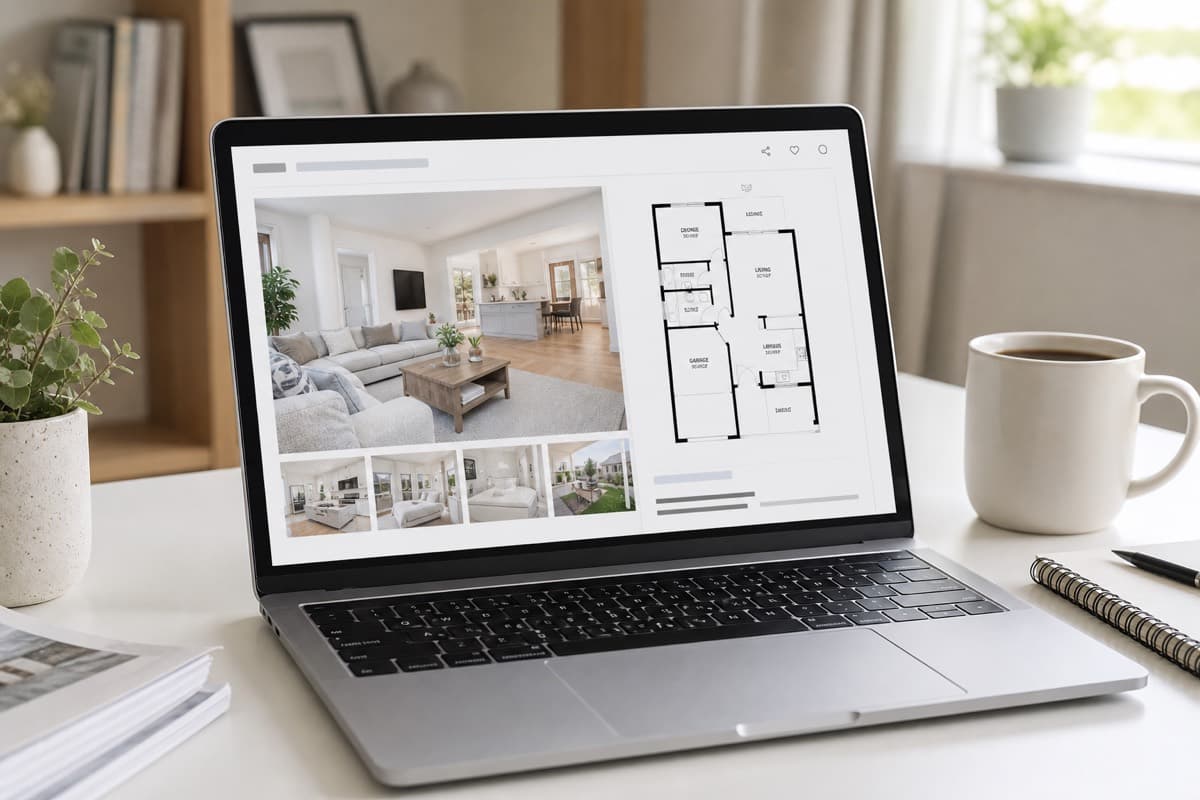
Are Sketchplan floor plans suitable for Rightmove and Zoopla?
Yes. Sketchplan produces clean, scaled, professionally labelled floor plans in exactly the style Rightmove, Zoopla and OnTheMarket are designed to display. You sketch and measure the property, upload it, and receive a portal-ready plan you can add to the listing alongside the photos.
Key takeaways
- Rightmove and Zoopla both support and prominently display floor plans.
- A good listing plan is clean, scaled, labelled and high-resolution.
- Floor plans increase enquiries and reduce wasted viewings.
- You can produce one from a sketch — no survey required.
- Sketchplan output is portal-ready as standard.
Floor plans are one of the first things buyers look for on a listing, and both Rightmove and Zoopla give them a prominent slot. Here is what makes a good listing plan and how to produce one from a simple sketch.
Ready to turn your sketch into a floor plan?
Upload your hand-drawn sketch and measurements and our team will redraw them into a clean, professional floor plan — ready for listings, brochures and marketing.
Why floor plans matter on the portals
Survey after survey of property buyers puts floor plans near the top of the "most useful" list — often above extra photos. They show what a gallery cannot: the layout, the flow between rooms, and whether the property suits a buyer's needs. On the portals, that translates into more clicks, more enquiries and fewer wasted viewings.
What makes a good Rightmove floor plan
A portal-ready floor plan should be:
- Clean and uncluttered — easy to read at a glance on a phone
- Scaled — rooms drawn in proportion to one another
- Clearly labelled — room names and dimensions
- High-resolution — sharp when buyers zoom in
- Consistent — matching your other listings if you are an agent
A rough hand sketch does not meet this bar — but it is the perfect starting point.
How to add a floor plan to a listing
Rightmove and Zoopla both have a dedicated floor plan slot. In practice, most agents upload the finished plan as a high-resolution image alongside the photos. Sketchplan returns your plan in a portal-ready format as standard, so it drops straight in.
From sketch to portal-ready plan
You do not need a survey or any software:
- Sketch the property and note measurements — see how to sketch a floor plan.
- Upload your sketch and measurements to Sketchplan.
- We redraw it into a clean, scaled, labelled plan.
- Add the finished image to your Rightmove or Zoopla listing.
For agents
If you list regularly, sketch during the viewing you are already doing and set up an account for consistent, portal-ready plans at a low per-plan cost. See floor plans for estate agents for the full picture.
Ready to turn your sketch into a floor plan?
Upload your hand-drawn sketch and measurements and our team will redraw them into a clean, professional floor plan — ready for listings, brochures and marketing.
- #rightmove floor plan
- #floor plan for listings
- #zoopla floor plan
Frequently asked questions

The Sketchplan Team
Floor Plan Specialists
The Sketchplan team redraws hand-drawn sketches and measured notes into clean, professional CAD-style floor plans for estate agents, landlords, homeowners and property photographers across the UK.
Need a portal-ready floor plan for your listing?
Sketch the property, upload it, and get a clean, Rightmove- and Zoopla-ready floor plan back fast.
Order on sketchplan.rehub.studio · see how it works
Keep reading
Related guides

Floor Plans for HMO and Room Lets
How landlords and agents use floor plans for HMO licensing, room-by-room marketing and inventories — and how to produce one from a sketch.

How Estate Agents Get Floor Plans Without a Surveyor Visit
How UK estate agents produce listing-ready floor plans without booking a measured survey — sketch at the viewing, measure carefully, redraw remotely.
How to Label Rooms and Dimensions for Portal Listings
Practical rules for room names, dimensions and abbreviations on marketing floor plans so Rightmove and Zoopla listings stay clear and consistent.